
Videolink vs Loom
Built for Product Reviews, Not Just Screen Recordings
Videolink is ontwikkeld voor teams die waarde hechten aan eenvoud en snelheid. Met functies die zijn ontworpen voor snelle bewerkingen en naadloos delen.
Gratis proefversie. Geen betalingsgegevens nodig.

Elke gebruiker, zijn eigen account — geen extra kosten
With Videolink, every teammate has their own account – no shared logins, no workarounds, no hidden limits.
That means video becomes a reliable part of how your whole product team explains work, reviews changes, and stays aligned.
That means video becomes a reliable part of how your whole product team explains work, reviews changes, and stays aligned.

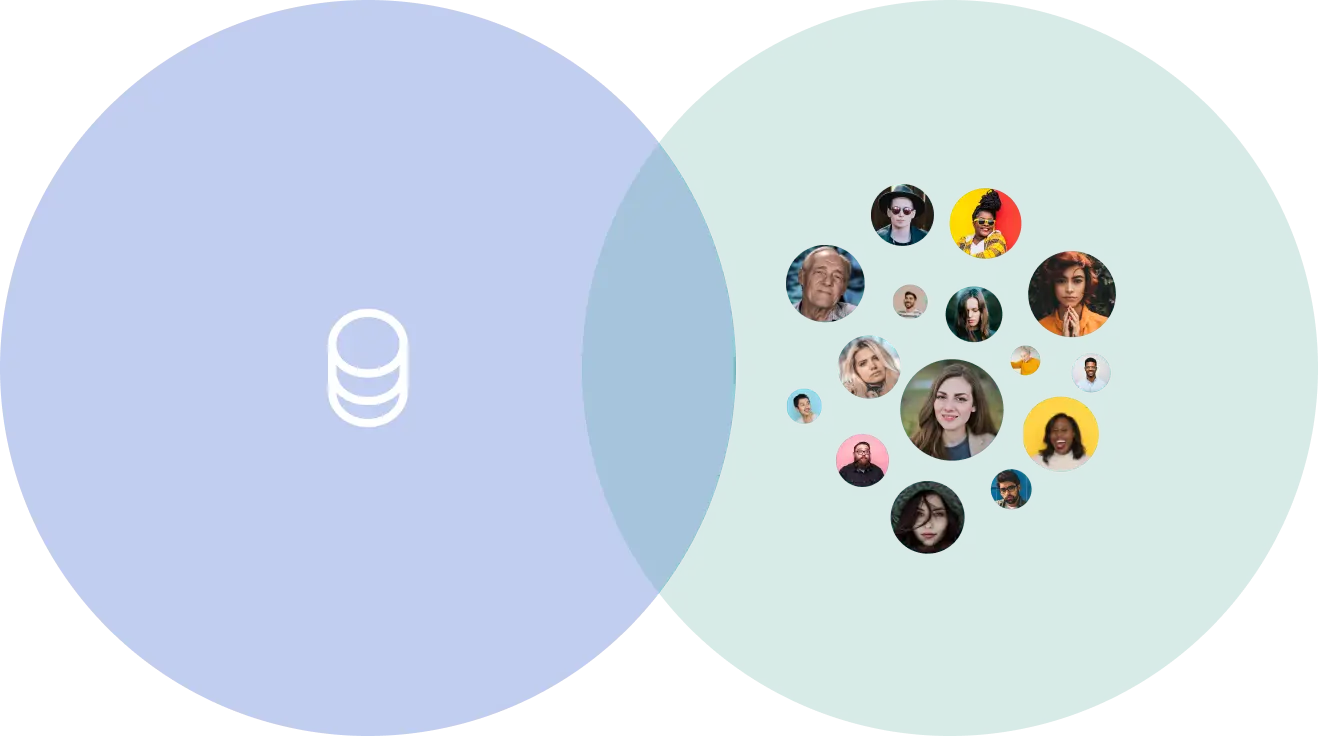
Prijzen die logisch zijn
Videolink offers two pricing options, so teams can choose what works best for them:
• Geen verspilde kosten– familiar setup, optimized for team use.
• Flexibel en schaalbaar– pay only when videos are recorded.
• Geen verspilde kosten– familiar setup, optimized for team use.
• Flexibel en schaalbaar– pay only when videos are recorded.
Verbeter video's met vervaging en aantekeningen
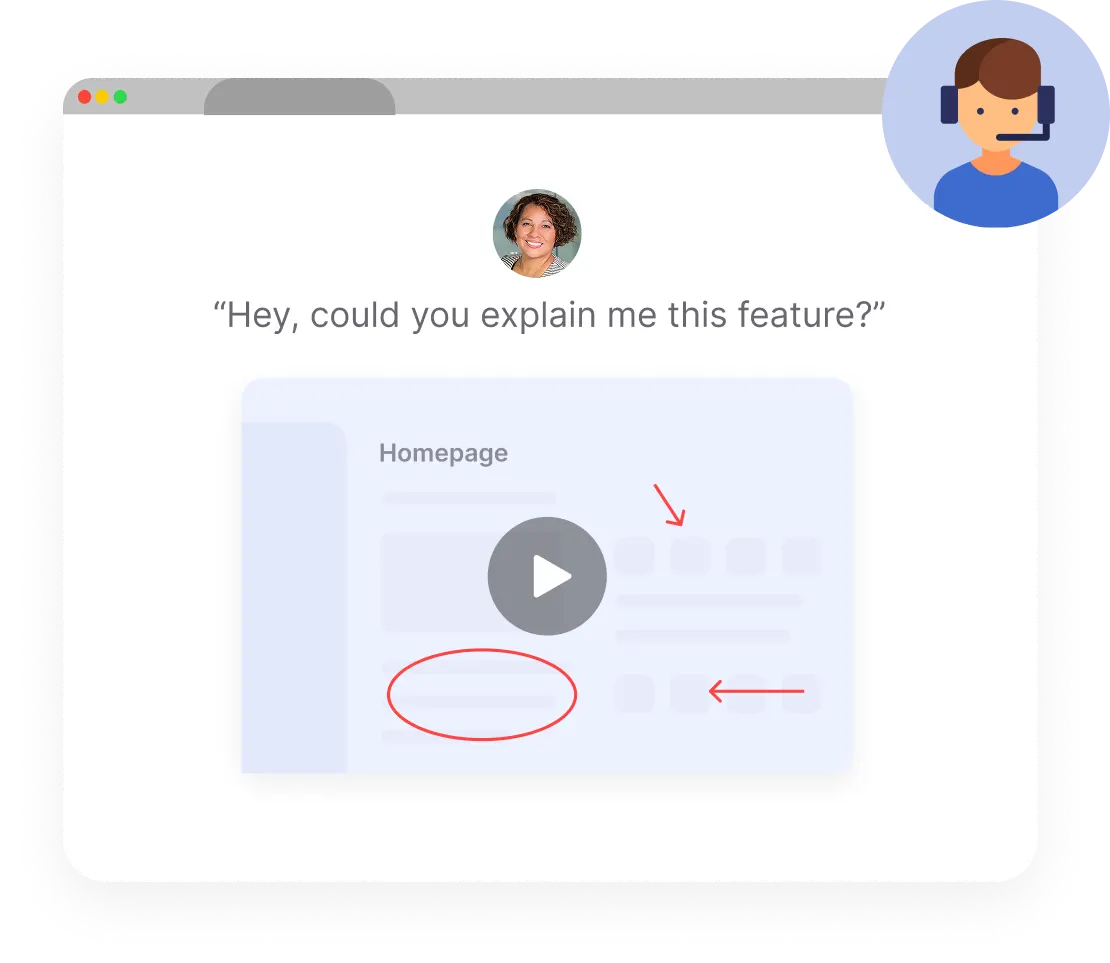
Maak je video's duidelijker, verfijnder en veiliger met ingebouwde hulpmiddelen voor vervaging en tekstannotatie. Of je nu gevoelige informatie deelt of belangrijke punten benadrukt.Video Request page.
They can record a short screen or webcam video and send it back – with full context.
They can record a short screen or webcam video and send it back – with full context.
Clearer Communication with Built-In Annotations
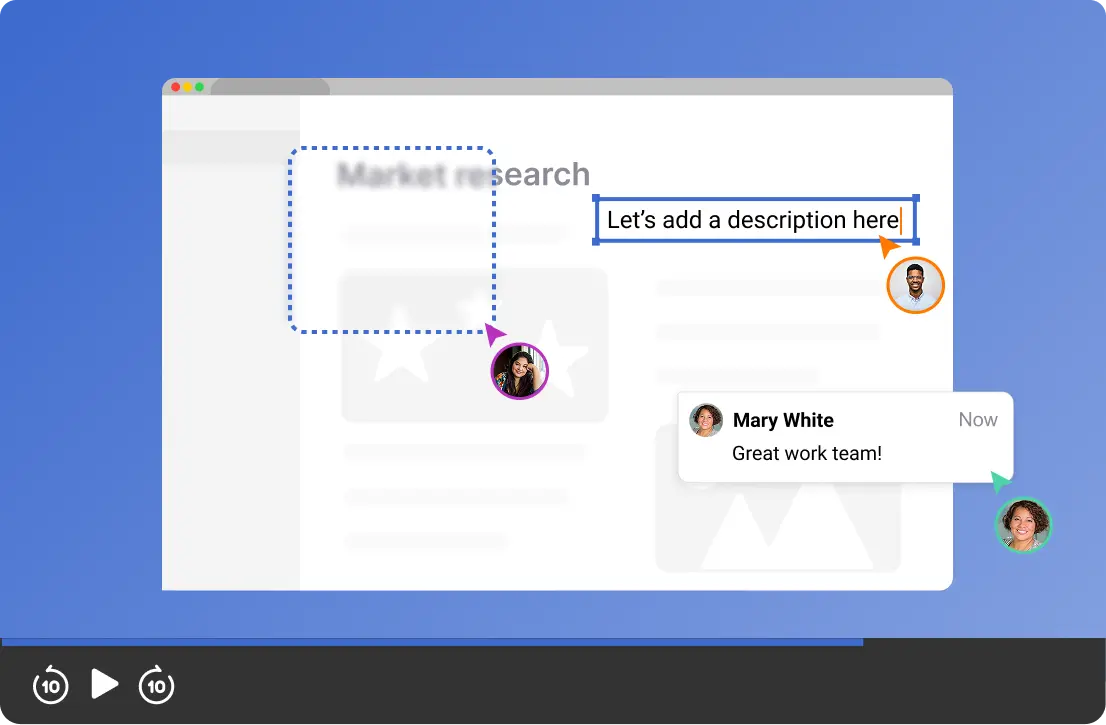
Videolink makes it easy to highlight exactly what matters – directly inside your videos.
• Blur sensitive details (like API keys) before sharing
• Add text, shapes, and highlights to guide attention
• Fewer follow-up questions, clearer understanding
• Add text, shapes, and highlights to guide attention
• Fewer follow-up questions, clearer understanding
Videolink vs Loom
Feature Comparison
General
Videolink
Loom
Base Price per user per month
4$
Starts at 18$
Unlimited Recording

Video Requesting Page

Video Quality
HD
Up to 4K
Editing
Videolink
Loom
Trimming
Blurring
Shapes & Images
Extension & Integrations
Videolink
Loom
Chrome Extension
Github App
Box Integration
AI Features
Videolink
Loom
Captions in Free Plan
Summaries
Translation
Recente blogs
Meer informatie over Agendalink en effectievere vergaderingen
Bekijk alle blogs

.jpg)
.jpg)
.jpg)
.jpg)
Probeer Videolink, houd uw workflow soepel
Without Changing How Your Team Works
Je hoeft niet meteen te kiezen tussen Videolink en Loom. Met onze
With Videolink, you can start small – test it alongside Loom, use it with a few workflows, and see how it fits your team before making a full decision.
With Videolink, you can start small – test it alongside Loom, use it with a few workflows, and see how it fits your team before making a full decision.