
Show the issue.
Don’t explain it.
Neem je scherm op met je stem en camera.
Align before work starts – not after rework
• Share feature demos with engineering
• Attach bug reproductions from Product or QA
• Review changes with clear visual feedback
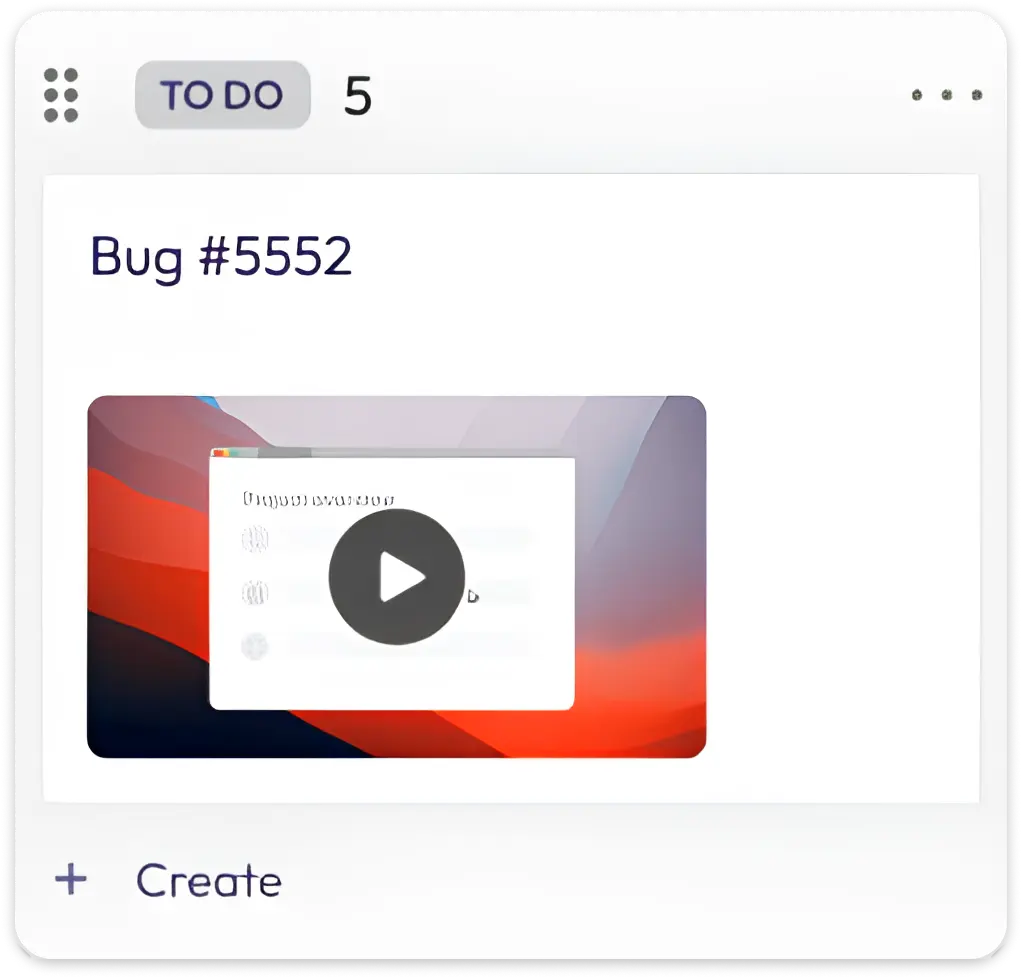
🐞 Issue Created
Attach a video when creating a Jira issue to show the bug or edge case exactly as it happens.
🔗 Video Attached
Link a Videolink recording to any Jira issue to give engineers instant visual context.
📝 Issue Updated
Add a video when more context is needed – so updates are clear without long comments.
👀 Video Viewed
Know when a teammate has watched the video attached to an issue.
💬 Comment Added
Use video comments to explain reproduction steps or expected behavior inside the issue.
🔁 Issue Shared
Reuse the same video across multiple Jira issues or tickets when problems are related.
Video feedback, attached to Jira
Of je nu een Lenovo-laptop, MacBook of Windows-pc gebruikt, Videolink maakt schermopnamen naadloos.