
Video for GitHub. Explain PRs. Faster Merges.
Show bugs, demo features, and explain pull requests with async video – directly inside GitHub workflow.
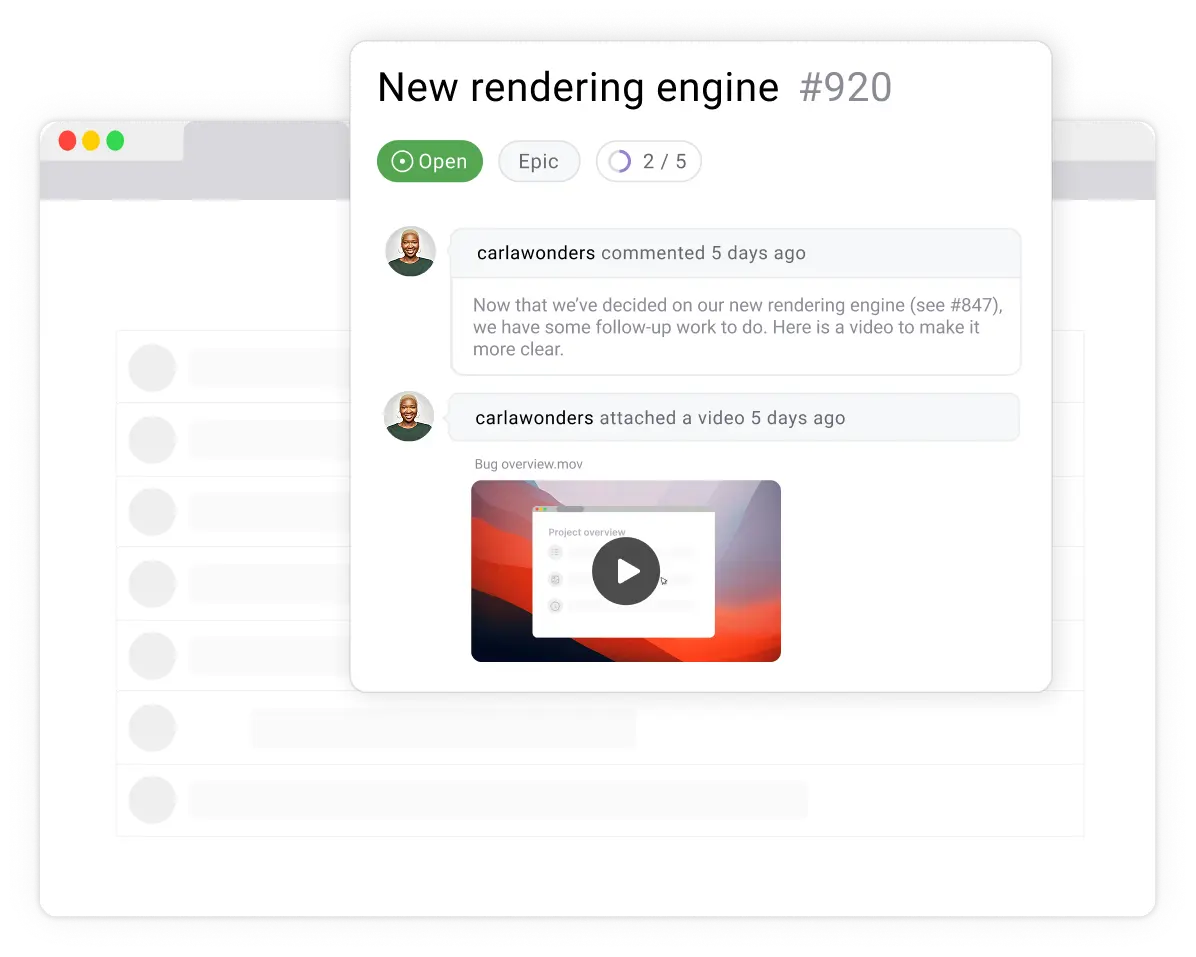
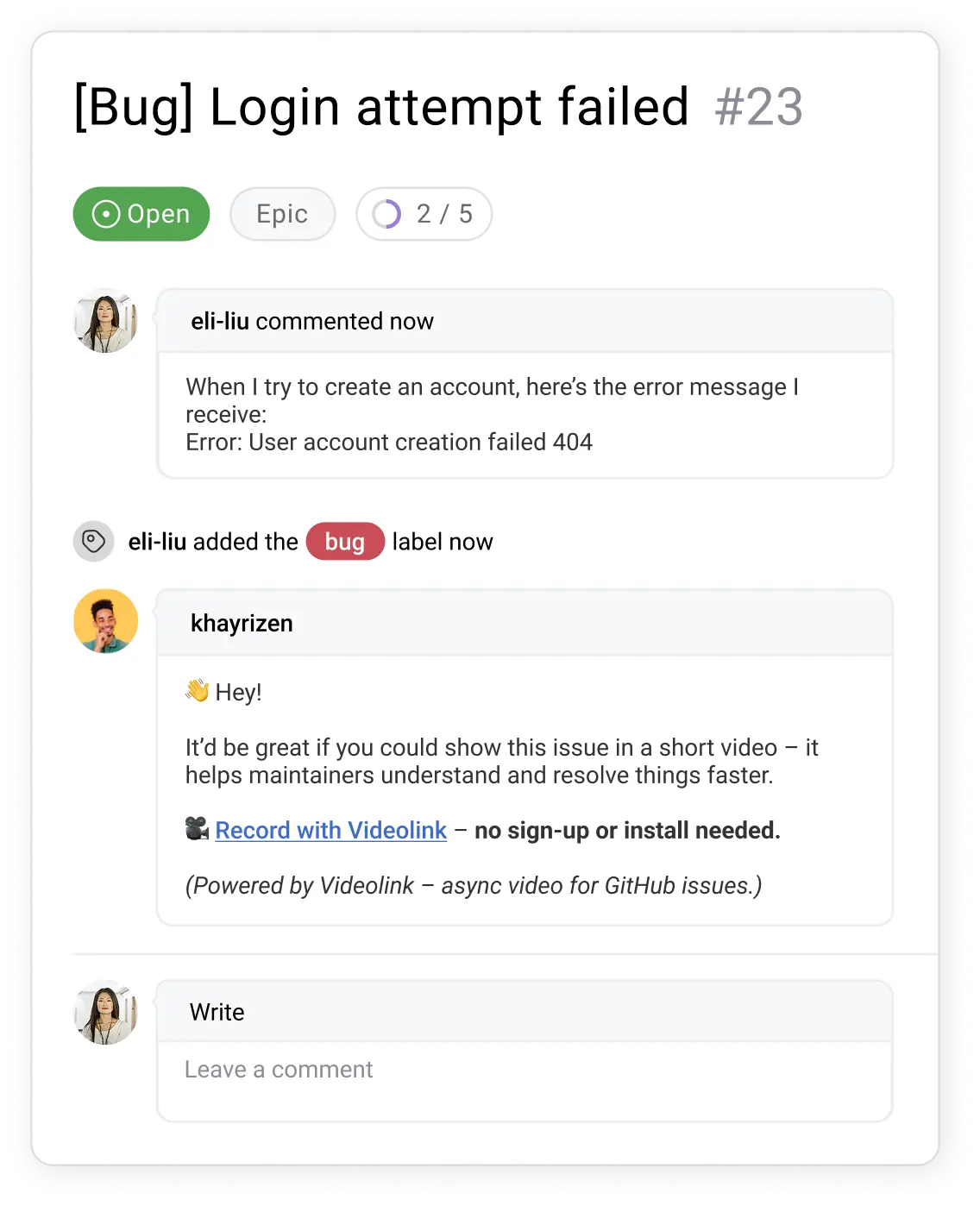
Github Issues in Action
Watch how Videolink brings async video right into GitHub
Elke gebruiker, zijn eigen account — geen extra kosten
Skip long explanations. Contributors can record a short video and attach it to an issue to explain what’s happening – no separate Videolink account required.
• Add video directly to issuesShow context instead of describing it
• Reduce debugging back-and-forth
• No Videolink account needed for contributors
• Add video directly to issuesShow context instead of describing it
• Reduce debugging back-and-forth
• No Videolink account needed for contributors
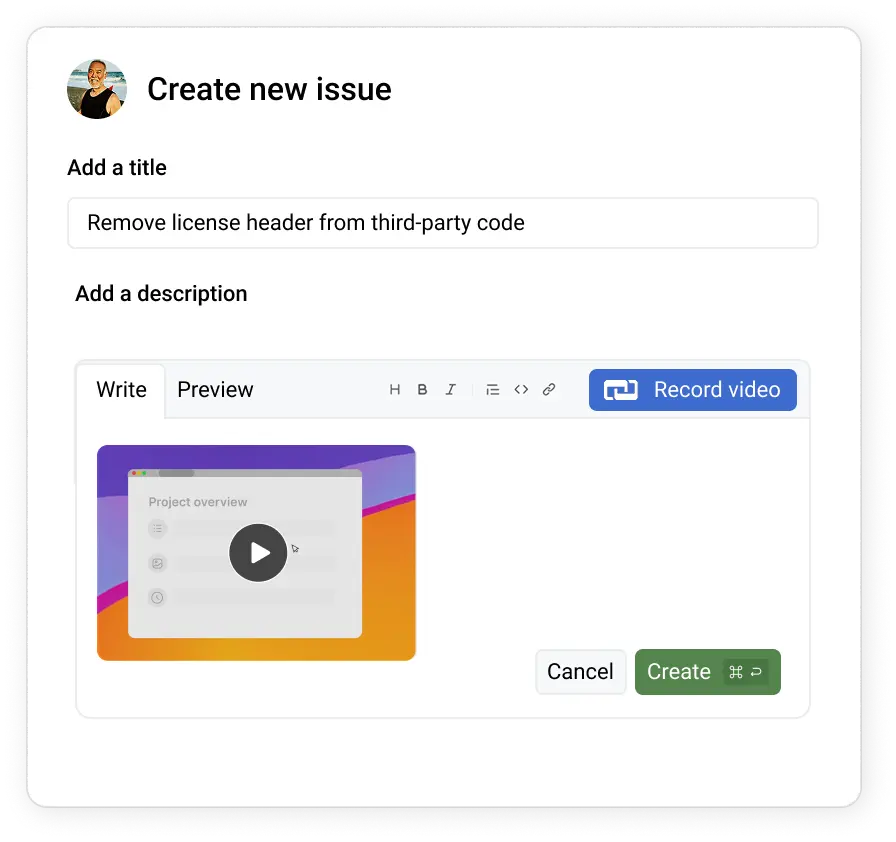
GitHub Commits
With the Videolink Chrome Extension, a recording button appears inside GitHub so you can explain changes while committing.
• Add short video notes to commits
• Demo what changed and why
• Make code reviews clearer
• Add short video notes to commits
• Demo what changed and why
• Make code reviews clearer
Verbeter video's met vervaging en aantekeningen
Maak je video's duidelijker, verfijnder en veiliger met ingebouwde hulpmiddelen voor vervaging en tekstannotatie. Of je nu gevoelige informatie deelt of belangrijke punten benadrukt.
• Clearer bug reports – less guesswork
• Video PRs – better reviews
• Async updates – less status noise
• Clearer bug reports – less guesswork
• Video PRs – better reviews
• Async updates – less status noise

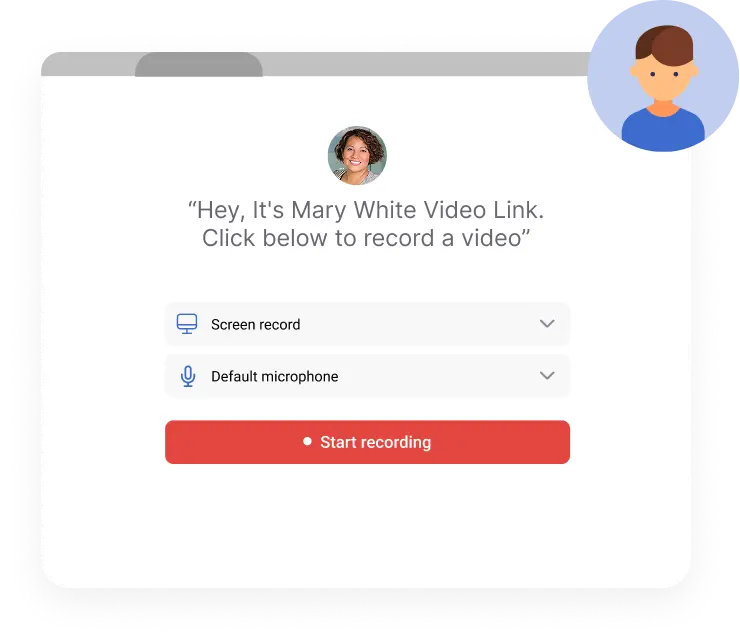
Your own Video Requesting Page
When an issue or feature request isn’t clear, send your personal Videolink and ask for a short explanation by video:
• Get visual bug reports you can reproduce
• Get clear feature requests upfront
• No signup required – just record and send
• Get visual bug reports you can reproduce
• Get clear feature requests upfront
• No signup required – just record and send
Videolink AI
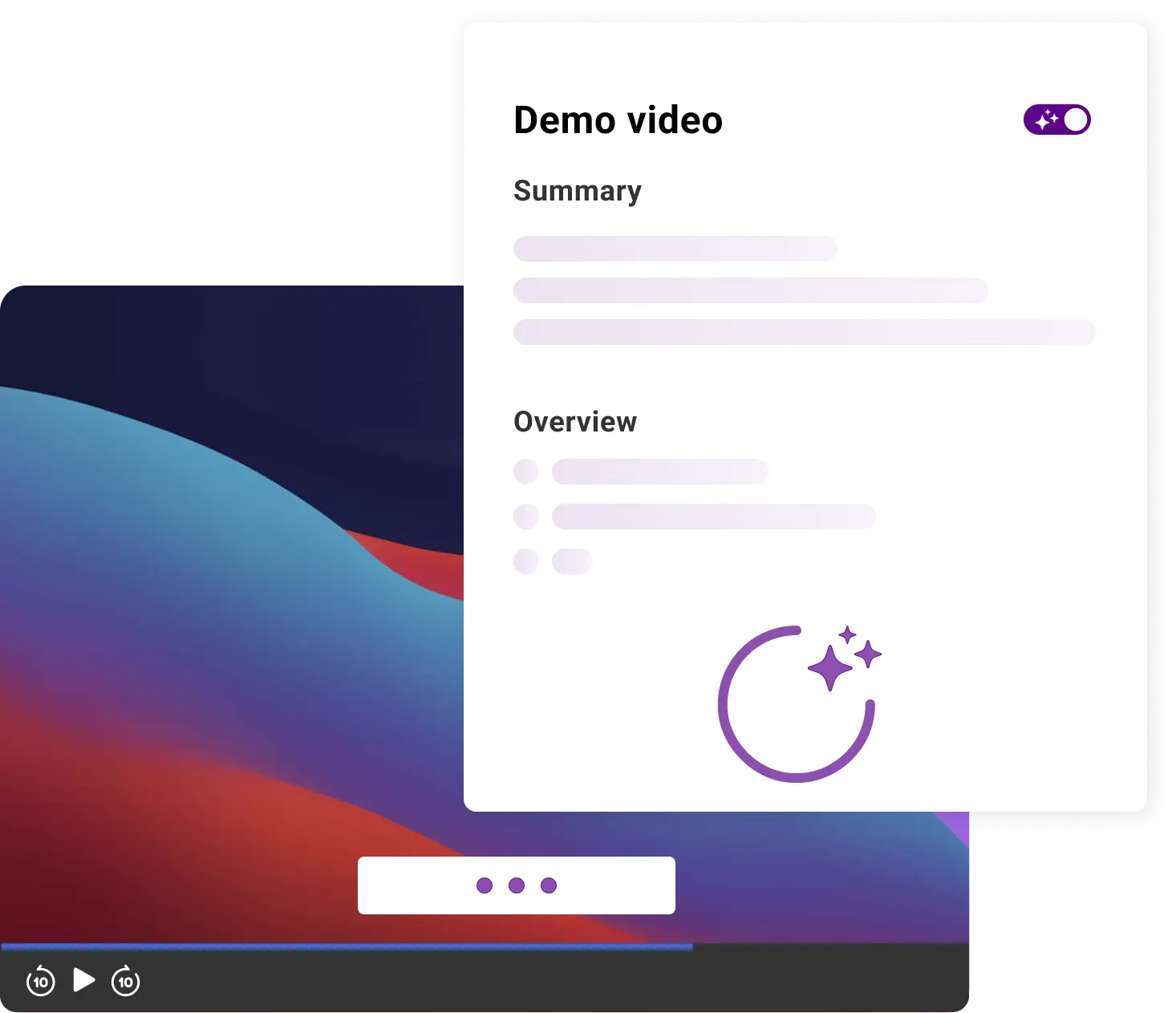
Videolink AI helps teams review, search, and understand videos – without rewatching everything.
• Transcripts & search inside videos
• Auto-captions + translations
• Summaries for faster reviews
• Transcripts & search inside videos
• Auto-captions + translations
• Summaries for faster reviews
Get Started Today
Videolink adds visual context to GitHub workflows so teams can explain work clearly without meetings or long threads.
Unlimited Access for Open Source & Private Teams
Open Source Projects
$0per user/month
If your GitHub repository is public, Videolink is completely free – no limits on the number of videos your contributors can create or share.

Up to 25 active videos
5 min video length
Video requesting page
Chrome Extension
Pro
Most used
$4 per user / month
For private projects, get unlimited video recordings – no storage limits, and no hidden fees.

Unlimited videos
Editing features
AI Speech to Text
Recente blogs
Meer informatie over Agendalink en effectievere vergaderingen
Bekijk alle blogs

.jpg)
.jpg)
%20(1).jpg)
%20(1).jpg)